


Follow the steps below to temporarily remove all partner libraries, then manually re-enable them:
Go to Menu > Cards.
If needed, use the library drop-down and select your home library.
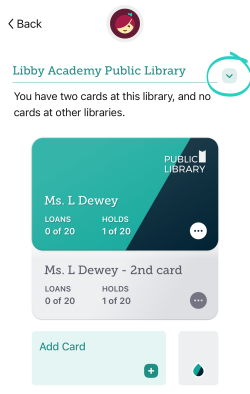
3. On the card, tap the three dots on the lower right, then select Partner Libraries.
4. Tap Remove, then Proceed next to any partner library where Remove appears.
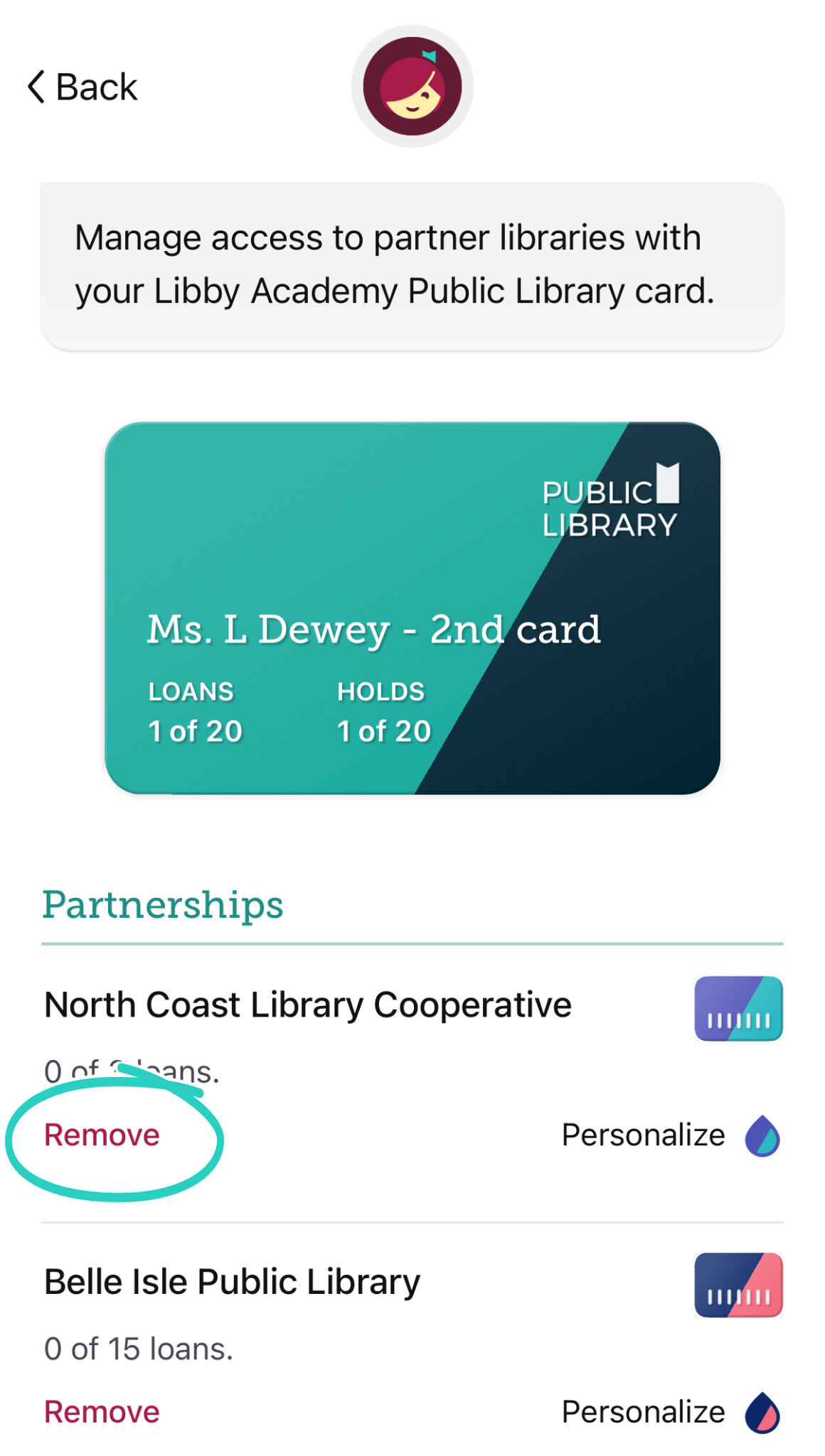
Note: Your loans and holds will not be affected.
5. Wait 10 seconds.
6. Then, tap Enable next to each partner library.
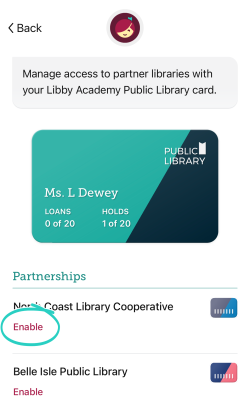
Once you've enabled your partner libraries, your existing loans and holds with those libraries will appear on your Shelf .


